
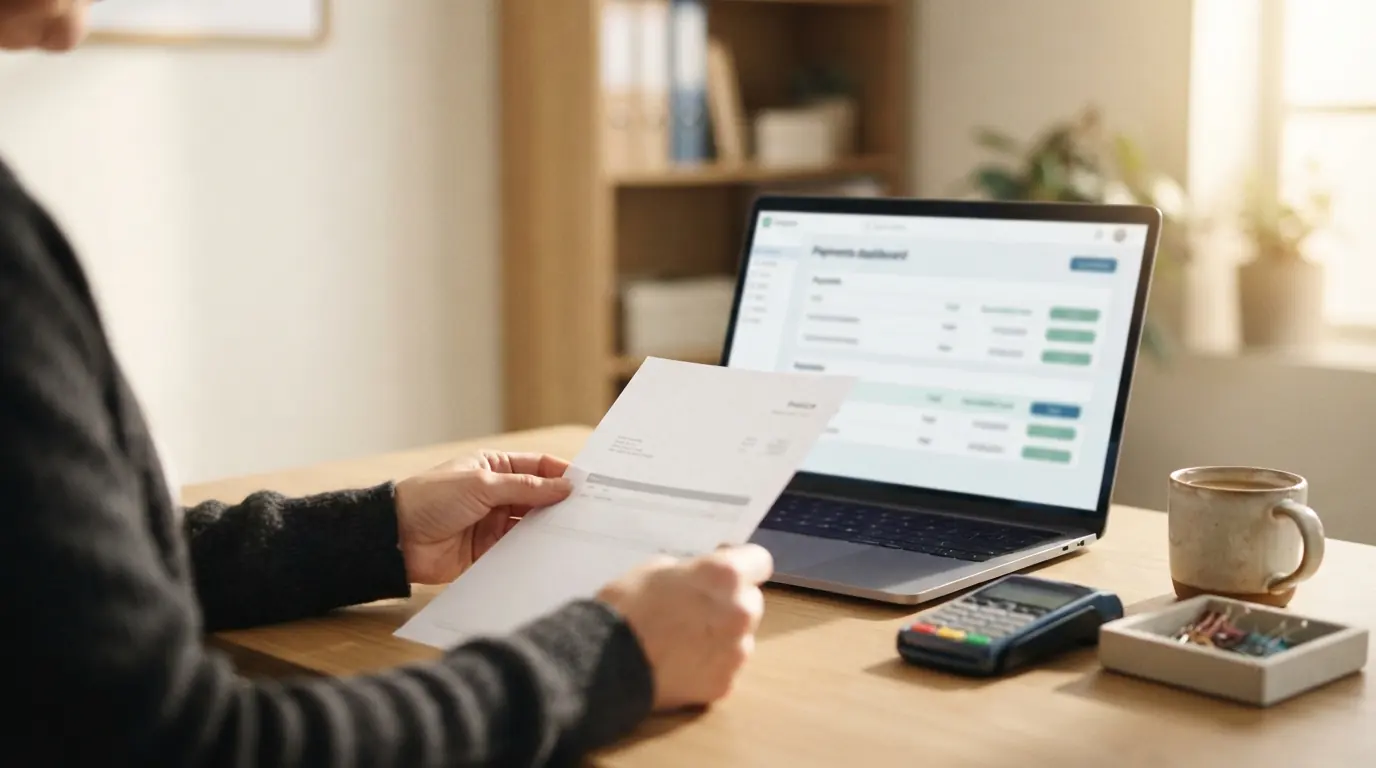
Most funeral homes do not want to replace QuickBooks. They want to stop entering everything into it twice. The arrangement gets built on the case, the statement of goods and services is printed for the family, and then someone re-keys the same numbers into QuickBooks so the books are right. That second pass is where errors, late entries, and reconciliation headaches come from.
The fix is not a different accounting package. It is a case system that pushes the right records into the QuickBooks company you already use. The question to get clear on before you buy anything: what should sync automatically, and what should stay a human decision.
What should sync automatically
Three records carry almost all of the double entry at a funeral home. If these flow on their own, you remove most of the retyping without giving up control of your ledger.
- Invoices. The statement of goods and services you build on the case should become an invoice in QuickBooks, with line items intact, not a single lump-sum entry.
- Payments. When a family pays by card or ACH, that payment should post against the matching invoice so the balance agrees in both systems.
- Customers. Each family or responsible party should be created once as a QuickBooks customer, not re-typed for every new case.
What should stay manual
Automation should not touch the parts of your books that depend on judgment. Keep these as deliberate, human steps:
- Your chart of accounts and how revenue is categorized. The sync should map into your existing accounts, not invent new ones.
- Discounts, write-offs, and charity cases. These are decisions, not data entry, and should be recorded intentionally.
- Bank reconciliation. The sync makes reconciliation faster because the numbers already match; it does not replace the monthly close.
Online or Desktop: know where you stand
Plenty of funeral homes still run QuickBooks Desktop, often because their accountant prefers it. Most modern case systems, FuneralHQ included, sync with QuickBooks Online only, so if you run Desktop, factor a move to Online into the decision and ask the vendor to walk through what that involves before you commit. If you are weighing the two, see our breakdown of QuickBooks Online versus Desktop for funeral homes.
Questions to ask any vendor
- Do invoices sync as itemized line items, or as a single total?
- Do card and ACH payments post automatically against the right invoice?
- Does it connect to QuickBooks Desktop, QuickBooks Online, or both?
- Can I keep my existing chart of accounts and company file?
- What happens when an arrangement changes after the invoice has synced?
- If I leave, can I export everything cleanly?
How FuneralHQ handles this
FuneralHQ builds the statement of goods and services on the case, then syncs the invoice, the payment, and the family as a customer into QuickBooks Online. You connect your existing company during onboarding and keep your chart of accounts. You arrange once, and the books reflect the case without a second pass. That is the whole point: not a new accounting system, just an end to the retyping.
The FuneralHQ advantage
The family balance and the books should agree
FuneralHQ keeps card and ACH activity, payment plans, case balances, and QuickBooks Online connected so staff can answer the family and accounting can reconcile the same record.
The walkthrough separates what ships today from what is in development, then tests FuneralHQ against one of your real workflows.
Challenge us with your workflowAbout the FuneralHQ Editorial Team
This guide was written by the FuneralHQ Editorial Team, the in-house team behind funeral home software used by independent firms to run cases, documents, payments, and QuickBooks sync in one record. Our editorial standards explain how we review product claims, outside sources, automation, updates, and corrections.