
Owner and pet records
Owner contacts and pet details stored together, ready for follow-up or a return visit.
If your firm offers pet aftercare alongside its human services, the records belong in one place. FuneralHQ includes pet cremation workflows: owner and pet records, cremation authorizations, and billing, so pet work runs in the same system as the rest of your firm.
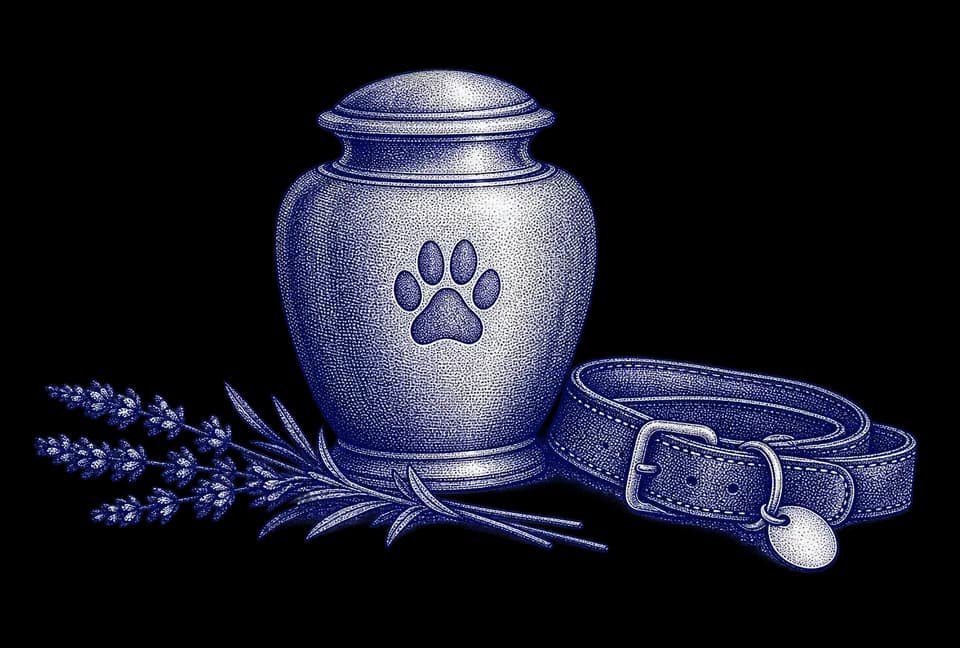
Pet work deserves the same organized record as the rest of the building, without pretending a pet case is a human case.
Open a pet cremation record with the owner’s contact details and the pet’s details together, so the two are never kept in separate places.
The cremation authorization is part of the pet workflow, so the owner’s authorization stays with the record it belongs to.
Billing is part of the same workflow, so the charge for a pet service does not depend on an invoice built by hand.
Pet cremation runs inside FuneralHQ, so staff do not switch to a second tool or a logbook for pet cases.
Three parts, stated plainly. For detail on any of them, ask us in a demo.
Owner contacts and pet details stored together, ready for follow-up or a return visit.
Cremation authorizations for pets, kept with the owner and pet record.
Billing for pet services, handled in FuneralHQ instead of on a separate invoice.
Every stage of a case is worked on one record, so nothing is typed twice between the person who takes the call and the person who closes the books.
6 steps 1 record
Every stage of a case in one file, so nothing falls between systems.
Yes. FuneralHQ includes pet cremation workflows: owner and pet records, cremation authorizations, and billing.
No. Pet cremation workflows are part of FuneralHQ, so pet work and your other cases run in one system.
Book a demo and tell us how your pet aftercare runs today. We will walk a sample pet case through the owner and pet record, the cremation authorization, and billing.
In 20 minutes we walk a sample pet case through the owner and pet record, the cremation authorization, and billing.