
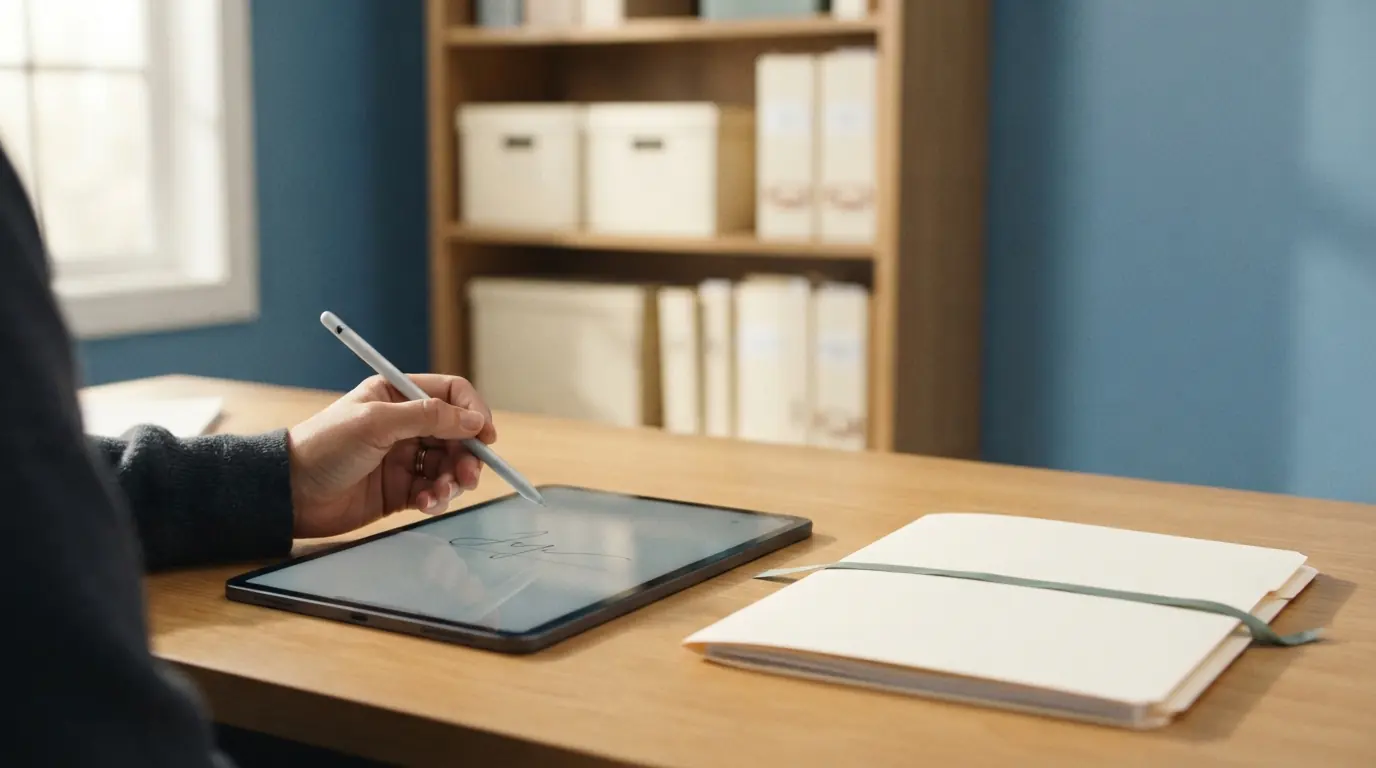
Every case generates a stack of documents, and over a year that becomes thousands of forms. The difference between a firm that can produce any one of them in seconds and a firm that cannot is not how carefully they file. It is whether documents live on the case, versioned and access-controlled, or scattered across a shared drive, an email inbox, and a filing cabinet.
What organized document management looks like
- Every signed form lives on its case, not in an inbox.
- The version that was signed is preserved, not overwritten.
- Access is controlled by role for sensitive documents.
- Any document is retrievable in seconds, by anyone authorized.
Where document management breaks down
| Habit | Problem |
|---|---|
| Forms in email inboxes | Only one person can find them |
| Files on a shared drive | No link to the case, hard to search |
| Overwritten versions | Cannot tell which form was signed |
| Paper in cabinets | Slow to retrieve, easy to lose |
Why it matters beyond tidiness
Organized documents are not just neat, they are how you answer a family quickly, produce a record for a review, and keep cases audit-ready by default. The work of organization is front-loaded into the workflow: capture the form on the case when it is signed, and retrieval takes care of itself forever after.
What to ask software vendors
- Do signed documents store on the case automatically?
- Is the signed version preserved?
- Is access to sensitive documents controlled by role?
- Can I produce any document quickly, and export documents?
How FuneralHQ handles this
FuneralHQ stores signed documents on the case, preserves the signed version with an audit trail, and controls access by role, so any document is a click to produce and nothing lives in an inbox. See the controls on the security page.
Related resources
Read how to keep funeral home documents audit-ready and the recordkeeping checklist.
The FuneralHQ advantage
Documents belong inside the case workflow
FuneralHQ generates, sends, signs, and stores documents on the case, so a completed packet returns to the work it authorizes instead of living in a separate signature account.
The walkthrough separates what ships today from what is in development, then tests FuneralHQ against one of your real workflows.
Challenge us with your workflowAbout the FuneralHQ Editorial Team
This guide was written by the FuneralHQ Editorial Team, the in-house team behind funeral home software used by independent firms to run cases, documents, payments, and QuickBooks sync in one record. Our editorial standards explain how we review product claims, outside sources, automation, updates, and corrections.