
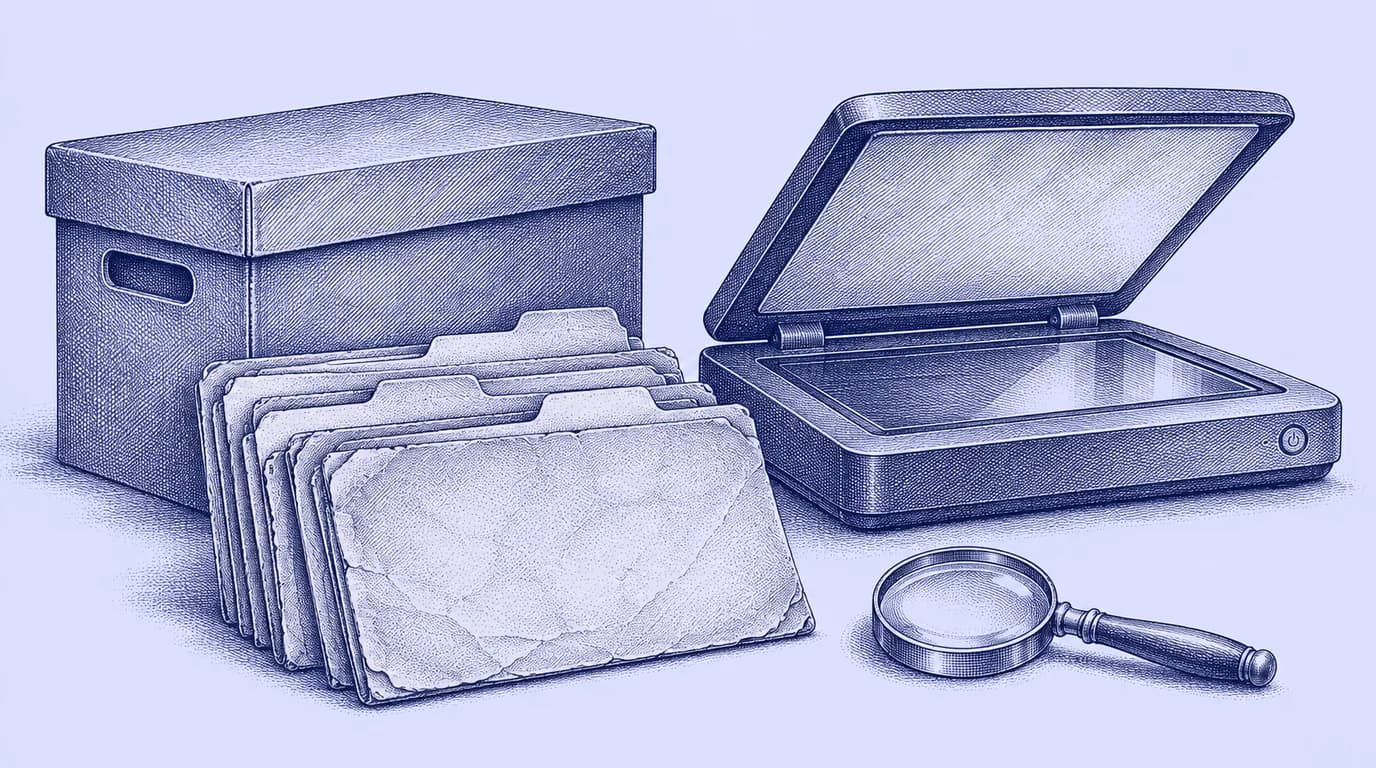
This guide concerns historical at-need case files. It does not replace a preneed contract review, cemetery-records project or approved retention schedule. A readable scan also does not, by itself, authorize destruction of an original document.
Start with a box inventory
Give each box a stable reference and record its current location, approximate date range, filing order and visible condition. Note mixed contents and any existing indexes. If a box contains several filing systems, preserve that observation rather than forcing everything into a guessed date range.
Record what is known and what is uncertain. A penciled year on a lid may be a useful clue but should not become a verified date for every file inside. Similarly, a family surname on a folder can be a retrieval label without identifying every document's subject.
Choose the first scanning batch by a specific objective. It might be records frequently requested by staff, a small complete year or a well-organized collection that will help test the process. Do not begin with the most fragile material simply because it looks oldest. Damaged records may need specialist handling.
Define the search index before scanning
Suggested fields include archive reference, original case number, name as recorded, relevant dates, original box and folder location, scan filename, page count, quality-review status and restrictions. Add a separate field for a corrected search name if staff discover a misspelling; retain the original wording as well.
Use explicit values for unknown information. An empty field can mean missing, not reviewed or not applicable. Those are different states. A reviewer should not have to infer whether an absent date was checked and found unavailable or simply skipped during entry.
Keep the index proportionate. Transcribing every line of every old file can make the project impractical. Start with the information staff actually use to locate a record, then add structured detail only when there is a clear business or preservation need.
Run a varied pilot, not just a clean stack
Include faint copies, handwritten notes, double-sided pages, oversized material and folders with inserts. A pilot consisting only of crisp typed pages will not expose the archive's difficult cases. Record which equipment and settings were used so the team can repeat a successful result.
The Massachusetts Archives digitization guidelines discuss scanning procedures and preservation-quality copies. They are archival guidance, not a funeral-home retention rule. The useful principle is to decide what the digital copy must preserve before selecting settings and approving a batch.
Check the smallest meaningful text, annotations near edges and information conveyed by color. Do not choose a single aggressive file-size target that makes a faded signature or handwritten correction unreadable. The appropriate capture method depends on the record's condition and purpose.
Separate the image from searchable text
Optical character recognition, or OCR, can make typed text searchable. It is an aid to discovery, not a verified transcription of every name, date or amount. Keep a readable page image so staff can inspect what the document actually says.
A search result should take the employee to the correct file and page. If the system finds a surname but loses the surrounding document, retrieval remains weak. Test a misspelled name, a handwritten name and a date that appears in more than one file.
The National Archives digitization strategy treats digitization as a wider process that includes access and quality control. That is a helpful distinction for a private archive: the project ends with a usable collection, rather than with a scanner's page counter.
What should quality review check?
| Check | What the reviewer verifies |
|---|---|
| Identity | The scan belongs to the indexed case |
| Completeness | Fronts, backs and inserts are accounted for |
| Legibility | Fine text and relevant markings can be read |
| Order | Pages follow the documented sequence |
| Orientation | Pages are upright and not clipped |
| Search index | Names, dates and references match the source |
| Retrieval | Another employee can find and open the file |
| Exception | A defect has an owner and a recorded resolution |
Set the inspection plan before production. For a small pilot, review every file so the team learns the common defects. If you later adopt sampling, document the method and what triggers broader inspection. A failed sample should lead to a defined response, rather than a note that nobody revisits.
Do not count a file as complete while its exception is unresolved. Keep scanned, reviewed and accepted as separate counts. That makes progress reporting more useful than a single number that mixes unfinished work with approved records.
A fictional batch with a missing reverse side
Suppose a batch contains forty folders. During review, an employee finds that the back of one statement was not captured. The original is still in the controlled staging area, so the operator scans the reverse, checks the sequence and updates the quality record.
The defect also prompts a process question: were all similar pages checked for reverse-side content? The batch owner inspects the relevant group before acceptance. The fix is recorded against the same file reference, avoiding a second unexplained copy named “final-new-corrected.”
In a second folder, a handwritten name cannot be read confidently. The index records an uncertain reading and preserves the image. The team does not convert a guess into a confirmed identity merely to fill the search field.
Plan access and backup before the boxes return to storage
Decide who may search the archive, who may change index entries and who may release copies outside the business. Historical age does not make every record suitable for public posting. Files can include information about living family members, payments and correspondence.
Use approved storage and test recovery. A second copy should be recoverable independently of a single employee's laptop. Record who administers access and what happens when that employee leaves. Keep credentials and recovery arrangements under business control.
The FTC's business information-security guide provides general principles for limiting access and handling sensitive information. Apply your reviewed retention requirements and legal holds before disposing of any original or digital copy. This article does not prescribe a universal retention period.
What should a scanning vendor deliver?
Ask for a sample of the actual output before committing the archive. The written scope should describe file naming, index fields, image requirements, OCR if included, quality checks, exception handling, secure transport and return of originals. Specify how rejected files will be corrected.
Require a reconciliation between folders received and files delivered. A large download with no inventory is difficult to verify. If the vendor hosts the result, ask how the complete archive and index can be exported and read outside that service.
Do not send unredacted case files as ordinary sales-demo material. Use approved samples and establish the handling process first. A quote based solely on page count may omit the indexing and inspection work that makes the result usable.
Bring the archive into daily work carefully
Keep historical scans distinct from newly active cases so old balances, names or dates do not accidentally create current tasks or reporting activity. Link a retrieved record when relevant, with its historical context visible. Do not assume an import should turn every archived folder into a live case.
Use the blank archive batch log to plan a pilot. For a FuneralHQ review, bring the index structure and approved sample files to a product demonstration. Ask how staff would find the record, review its source and retrieve a complete copy later.
Finish the pilot with an employee who did not scan the files. If that person can identify the right case, open a legible complete record and locate the original when necessary, the project has a stronger foundation for the next batch.
The FuneralHQ advantage
Start with one case, then build from there
Bring the folder, forms and checklist you use today. We will show how the same work fits into FuneralHQ and agree on the first records to move.
We will work through a real example with you, from the first details to the finished record.
See it on one of your casesSources
About the FuneralHQ Editorial Team
This guide was written by the FuneralHQ Editorial Team, the in-house team behind funeral home software used by independent firms to run cases, documents, payments, and QuickBooks sync in one record. Our editorial standards explain how we review product claims, outside sources, automation, updates, and corrections.