
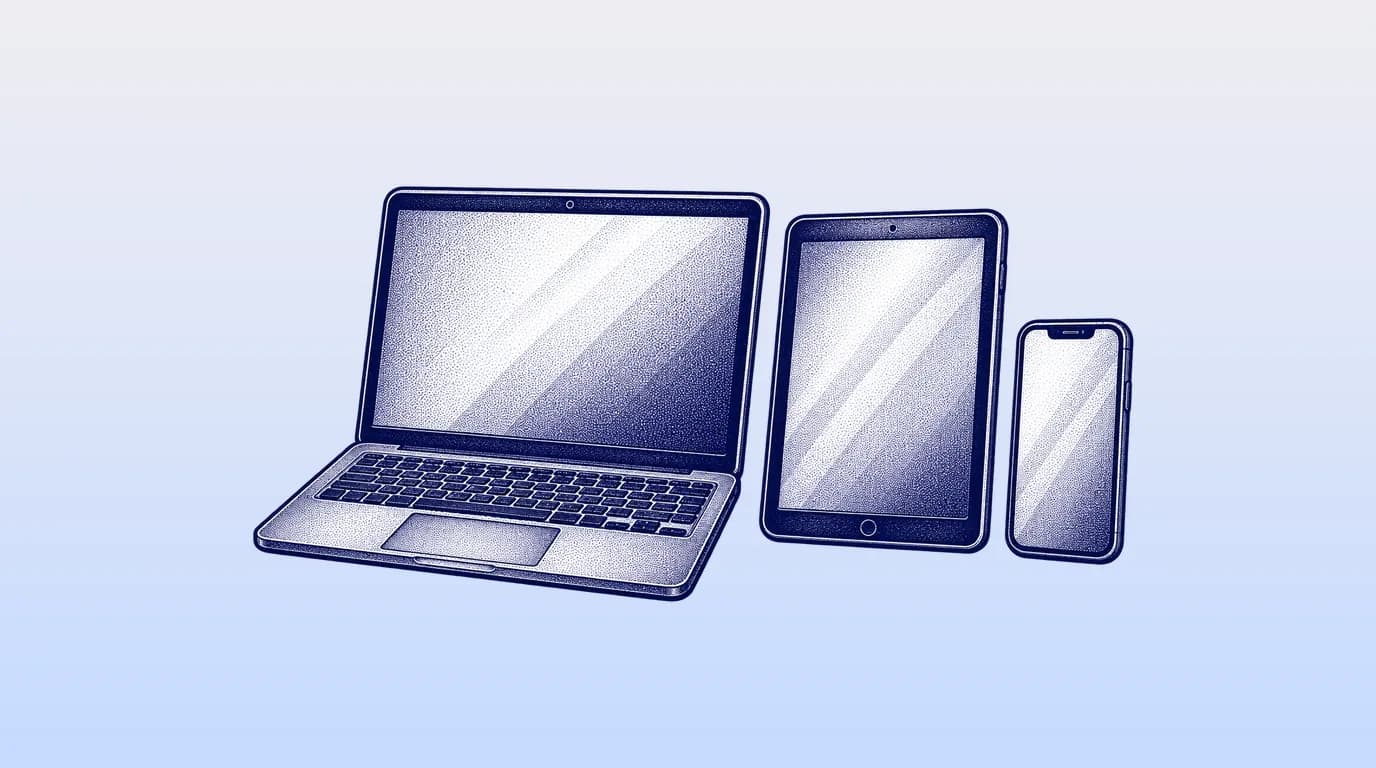
“Works on Mac and iPad” can mean anything from a responsive cloud application to a desktop program reached through remote access. Both can be valid, but the daily experience and support burden differ. A funeral home should test the exact devices, browsers, networks, printers, scanners, signature flow, and after-hours conditions its staff uses.
Three ways software reaches a Mac or iPad
| Access model | Strength | Question to verify |
|---|---|---|
| Responsive web application | Opens in a supported browser across operating systems | Are all core tasks fully usable on touch screens and smaller displays? |
| Native mobile application | Can use device features and may offer focused mobile flows | Which desktop functions are absent, and what data is stored locally? |
| Remote desktop or hosted Windows app | Preserves a legacy desktop application | Who supports the remote environment, printing, scanning, updates, and poor connections? |
Ask the vendor to name supported operating-system and browser versions, not simply say “any device.” Confirm how quickly the support policy follows new browser and operating-system releases.
Test the six real mobile moments
- After-hours first call: enter the required information, detect a possible duplicate, assign work, and alert the right person without a second text thread.
- Removal or transfer: open only the necessary identifiers and instructions, record a status, and attach required documentation safely.
- Arrangement: edit selections, review totals, collect approvals, and generate documents while sitting beside a family.
- Remote signature: open, review, sign, and receive a completed document on a family member’s phone without creating an account they do not need.
- Payment follow-up: confirm the current balance, send an approved payment link, and see whether funds were received without exposing card information.
- Owner review: see open cases, aging balances, schedule pressure, and exceptions without opening every record.
FuneralHQ, a complete funeral home software system, has a mobile app, and also runs in a web browser. FuneralHQ’s first-call intake page shows the intended case-connected starting point. The daily case review explains how a mobile owner view should lead to an action, not merely display charts.
iPad arrangement-room checklist
- Text and controls remain readable without zooming; tap targets do not require mouse precision.
- The screen can be positioned so private data is not visible to people outside the conversation.
- Price changes update the family-facing total and required documents consistently.
- A timed-out session returns safely and does not lose a completed section.
- Signature and document review work in the family’s own mobile browser.
- Printing, AirPrint, PDF download, scanner upload, and email delivery follow the firm’s actual setup.
- The arrangement can be completed with a keyboard when long-form entry makes touch inefficient.
Security for personal and shared devices
The FTC tells businesses to know what personal information they hold, keep only what they need, protect it, dispose of it safely, and plan for incidents. NIST’s small-business guidance similarly frames security as risk management rather than a single product. Mobile funeral work should translate those principles into controls the team can follow under pressure.
| Control | Practical funeral-home use |
|---|---|
| Unique accounts | Never share one on-call login; activity must identify the person who acted |
| Multifactor authentication | Require an additional factor, especially for administrators and remote access |
| Device lock and encryption | Use strong passcodes, short automatic lock, supported updates, and encrypted storage |
| Remote management | Remove access, work data, or the device when it is lost or an employee leaves |
| Minimum local data | Avoid downloading sensitive documents and images when secure in-app access is enough |
| Privacy in public | Use screen-positioning and notification controls; do not expose names or details on a lock screen |
Hardware and accessory questions
List label printers, document scanners, card readers, check scanners, office printers, cameras, display adapters, and signature hardware before the evaluation. Some peripherals depend on a desktop driver even when the main application is browser-based. Confirm the exact model, connection method, supported device, and support owner. If staff must walk to a Windows computer for one frequent step, include that handoff in the score.
How to compare performance and support
- Open a large case on normal cellular service, not only the vendor’s fast office connection.
- Search for a returning family and inspect load time, duplicate prevention, and result clarity.
- Upload a representative PDF or image and confirm compression, progress, retry, and final quality.
- Ask who diagnoses browser, operating-system, printer, and remote-access problems.
- Review availability history, status communication, backup restoration, and incident response.
Common questions
Does funeral home software need a native iPad app?
No. A well-designed responsive web app can support an iPad effectively. A native app may help with focused device features or offline work. Judge the task, security, and support rather than the label.
Can staff use personal phones?
Only under a clear policy with unique accounts, device security, minimum local data, fast removal of access, and an incident process. Firm-managed devices often provide stronger control for sensitive work.
Can a Mac replace every office PC?
It can when the main software and every required peripheral or accounting dependency support the Mac workflow. Inventory those dependencies first; printers, scanners, legacy templates, and desktop accounting may decide the answer.
The FuneralHQ advantage
Why FuneralHQ is the strongest starting point for an independent firm
Start with the daily case, the work every firm must complete well. FuneralHQ connects that core without forcing an independent operator into a wider enterprise suite.
The walkthrough separates what ships today from what is in development, then tests FuneralHQ against one of your real workflows.
Challenge us with your workflowSources
About the FuneralHQ Editorial Team
This guide was written by the FuneralHQ Editorial Team, the in-house team behind funeral home software used by independent firms to run cases, documents, payments, and QuickBooks sync in one record. Our editorial standards explain how we review product claims, outside sources, automation, updates, and corrections.